Overview
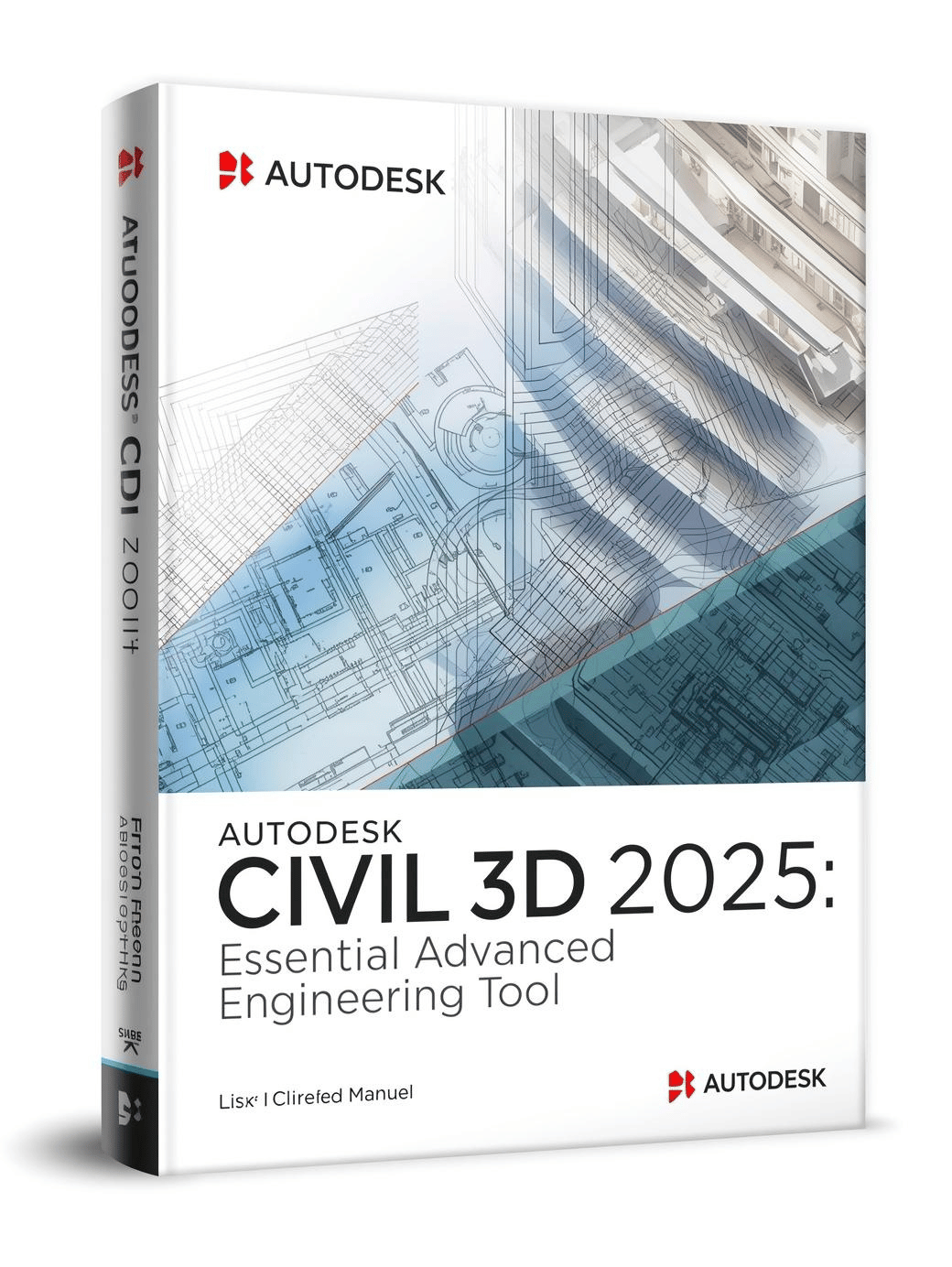
Autodesk Civil 3D is a comprehensive civil engineering and infrastructure design solution built for professionals working on transportation networks, land development, environmental projects, and urban infrastructure. It enables engineers, designers, planners, and construction teams to model, analyze, and document infrastructure projects with accuracy and efficiency.
Civil 3D connects design, drafting, and documentation within a single environment, improving project coordination and reducing errors. Its real-time model updates, intelligent workflows, and dynamic relationships between elements ensure that changes propagate throughout the entire project instantly.
From road design to grading, utilities, surveying, and corridor modeling, Civil 3D offers a complete toolkit used widely across civil engineering disciplines.
Key Benefits
Civil 3D supports faster, more accurate engineering and drafting workflows. Benefits include:
-
Dynamic modeling for instant updates
-
Industry-standard tools for roadway and site design
-
Accurate terrain and grading modeling
-
Realistic visualization of infrastructure projects
-
Improved team coordination
-
Automated drawing production
-
Reliable data exchange across platforms
Its advanced capabilities make it one of the most widely used civil engineering tools globally.
What’s Included in Civil 3D
Civil 3D comes with a wide range of tools for civil design and engineering workflows.
Civil Engineering Design Tools
-
Alignments
-
Profiles
-
Corridors
-
Grading
-
Pipe networks
-
Pressure networks
Survey & Terrain Tools
-
Survey databases
-
Point groups
-
Surfaces
-
Breaklines
-
Field data processing
Documentation Tools
-
Sheets and layouts
-
Annotation automation
-
Label styles
-
Quantity takeoffs
Analysis Tools
What’s New in Civil 3D
The latest version of Civil 3D introduces several enhancements that improve stability, performance, and workflow automation.
Improved Performance
Faster file opening, better memory usage, and improved graphics handling allow smoother operation on large and complex civil projects.
Enhanced Corridor Modeling
Civil 3D now provides more efficient corridor rebuild processes, better region handling, and expanded subassembly capabilities.
Updated Pressure Networks
New tools deliver more precise layout control, improved fittings, and better analysis integration for utility design.
Automation with Dynamo
Dynamo for Civil 3D has been updated with additional libraries, enabling engineers to automate repetitive tasks through visual scripting.
Better Collaboration
Civil 3D integrates more efficiently with Autodesk Docs, offering faster file syncing, revision tracking, and improved multi-user collaboration.
Core Features
Dynamic Model Updates
Civil 3D uses a connected modeling system where changes made in one part of the project automatically update across the entire model. This supports accuracy and prevents inconsistencies.
Alignments & Profiles
Essential tools for roadway design, rail design, and site infrastructure. Alignments and profiles can be edited dynamically with engineering-level precision.
Grading Tools
Civil 3D offers customizable grading objects, feature lines, and grading groups for creating pads, slopes, and site layouts.
Corridors
Corridor modeling is one of the most powerful features of Civil 3D. Corridors combine alignments, profiles, and assemblies to support roads, highways, runways, and complex transportation designs.
Pipe Networks
Design stormwater, sanitary, and pressure systems with intelligent rules-based tools, automatic labeling, and profile integration.
Terrain & Surface Modeling
Civil 3D includes advanced terrain modeling tools:
-
TIN surfaces
-
Breaklines
-
Contour editing
-
Point cloud processing
-
Survey data import
Civil engineers can create accurate digital terrain models for grading, visualization, and design calculations.
Corridor & Roadway Design
Civil 3D offers sophisticated roadway design capabilities:
-
Multiple baseline corridors
-
Conditional subassemblies
-
Intersection modeling
-
Roundabout design
-
Lane and shoulder controls
These tools allow engineers to design safe, efficient, and compliant transportation systems.
Pipe Networks & Utilities
Civil 3D supports pipelines and underground networks:
-
Gravity pipe networks
-
Pressure systems
-
Utility modeling
-
Automated labeling
-
Plan and profile views
Users can simulate, design, edit, and document pipeline networks with accuracy.
Collaboration & Data Management
Autodesk Docs Integration
Civil 3D connects directly to Autodesk Docs for cloud-based storage, version history, and team approvals.
DWG and IFC Support
Provides compatibility with industry-standard formats for project exchange and collaboration.
Data Shortcuts
Allows teams to share surfaces, alignments, corridors, and pipe networks efficiently across large projects.
System Requirements
Windows
-
Windows 10 or Windows 11 (64-bit)
-
3+ GHz multi-core processor
-
16–32 GB RAM
-
Dedicated GPU with 4–8 GB VRAM
-
SSD recommended
-
10–20 GB disk space
Civil 3D is Windows-only.
Ideal Users
Autodesk Civil 3D is designed for:
It supports projects ranging from small site developments to large infrastructure networks.
Internal Links




 Email
Email








Reviews
Clear filtersThere are no reviews yet.