1. Introduction
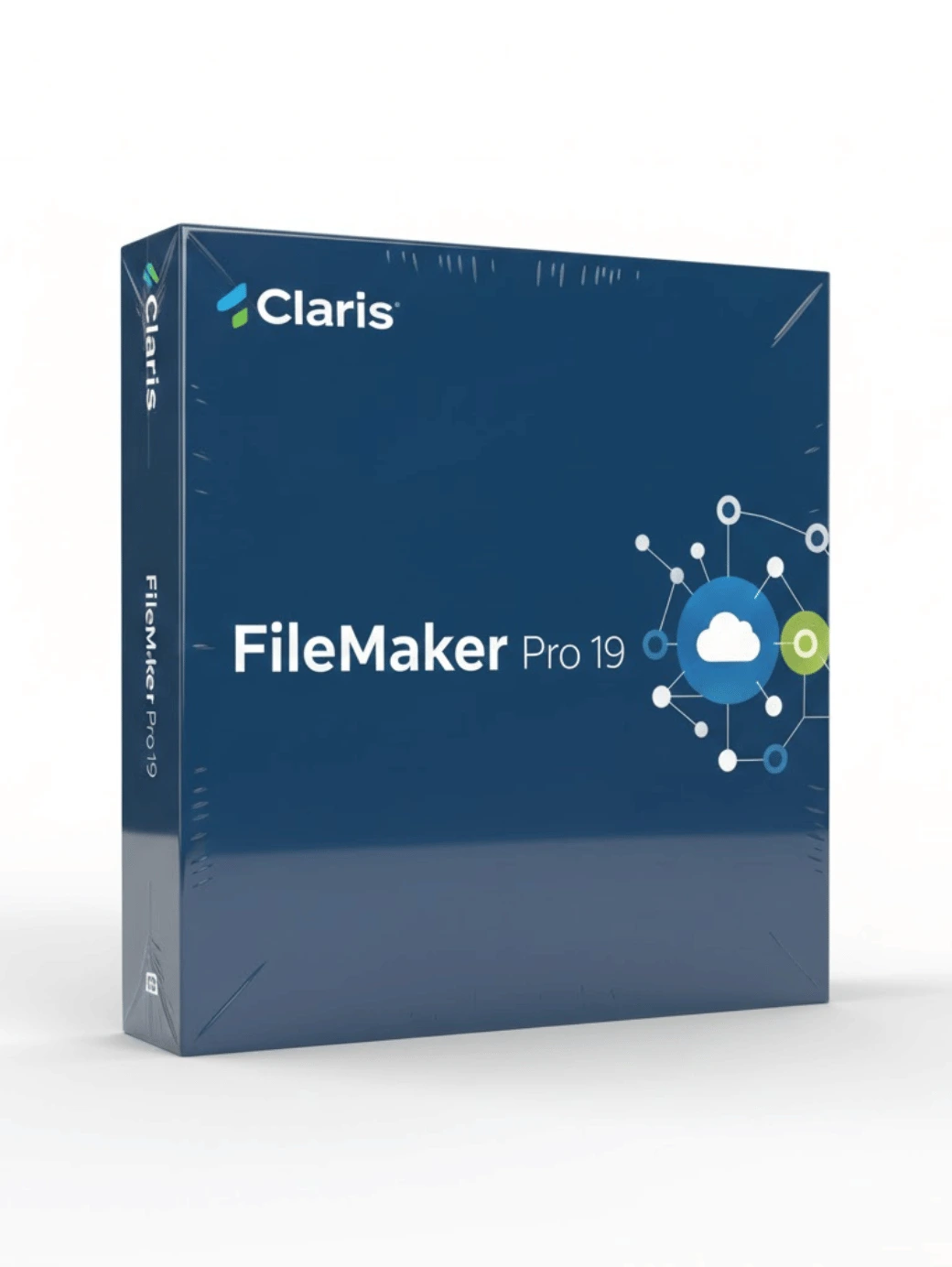
The FileMaker Pro 19 Advanced package for Windows and Mac is one of the most reliable and flexible database solutions available today. It offers a complete platform for building custom applications, managing data, automating workflows, and integrating information across teams. Designed for users of all skill levels, this version brings powerful tools to create fast, secure, and scalable apps without requiring advanced coding knowledge. From small businesses to large enterprises, FileMaker Pro 19 Advanced is widely trusted for its stability, performance, and long-term value.
This version is ideal for companies looking to centralize information, track assets, automate processes, or improve operational efficiency. With upgraded scripts, modern UI tools, and cross-platform compatibility, it provides everything needed to build professional solutions from the ground up.
2. What Is FileMaker Pro 19 Advanced?
FileMaker Pro 19 Advanced is an enhanced database and custom app development platform used to create solutions tailored to unique business needs. While many software products force companies into predefined templates, this platform allows full customization. Users can design layouts, build tables, configure automation, and integrate with external services using APIs.
The software supports Windows and Mac equally, allowing teams to collaborate across devices without compatibility issues. FileMaker Pro includes tools for data entry, reporting, inventory management, customer tracking, scheduling, accounting workflows, and more. With version 19, users gain access to updated scripting options, web integration, API connectivity, add-ons, and reusable components.
3. Key Features
FileMaker Pro 19 Advanced includes a wide set of professional features for efficient database management and app development:
Custom App Building
Create applications tailored to your workflow using drag-and-drop tools and customizable layouts.
Advanced Security
Encryption at rest, user-role permissions, authentication controls, and secure sharing options help keep data protected.
Automation Tools
Scripts allow users to automate repetitive tasks, improving efficiency and reducing manual work.
Cross-Platform Support
Fully compatible with Windows, Mac, iOS devices, and the web via FileMaker WebDirect.
Seamless Integration
Connect apps to external services through REST APIs, ODBC, JDBC, cURL, JSON, and third-party services.
Visual Design Tools
Use themes, object styles, and layout tools to create professional interfaces for users.
Built-In Add-ons
Version 19 includes prebuilt components for calendars, activity tracking, dashboards, and more.
Scalable Architecture
Ideal for individuals or teams, with options for local or server-based deployment.
4. What’s Included in the License
Purchasing FileMaker Pro 19 Advanced provides access to:
-
Full version for Windows & Mac
-
Unlimited custom app creation
-
Built-in add-ons and templates
-
Full scripting engine and automation tools
-
API integration support
-
Secure data encryption
-
Instant digital download
-
Lifetime activation for the purchased version
This makes it a valuable long-term solution for business operations and IT workflows.
5. Benefits for Windows & Mac Users
One of the strongest advantages of FileMaker Pro is its universal compatibility. Whether you run Windows or macOS, the software is built to deliver identical performance and features.
For Windows Users
-
Smooth performance on business desktops
-
Integration with Microsoft Office
-
Powerful automation for enterprise environments
For Mac Users
-
Optimized support for Apple silicon
-
Full integration with macOS security features
-
Smooth design workflow using Apple-based interfaces
This dual compatibility ensures teams can collaborate seamlessly.
6. System Requirements
Windows
Mac
7. Installation & Activation
-
Download the installer for your operating system.
-
Run the setup file and follow the on-screen instructions.
-
Enter your license key when prompted.
-
Launch FileMaker Pro 19 Advanced.
-
Begin building and managing your custom apps immediately.
The process typically takes less than five minutes.
8. Who Should Use FileMaker Pro 19 Advanced
This software is ideal for:
-
Small and medium businesses
-
IT managers and database administrators
-
Schools and educational institutions
-
Healthcare offices
-
Inventory and logistics teams
-
Sales and CRM departments
-
Creatives building workflow tools
-
Organizations needing custom internal apps
If your workflow requires tracking, reporting, automation, or custom features, FileMaker Pro 19 Advanced is a highly capable solution.
9. Internal Links
10. External DoFollow Links





 Email
Email







Reviews
Clear filtersThere are no reviews yet.