Overview
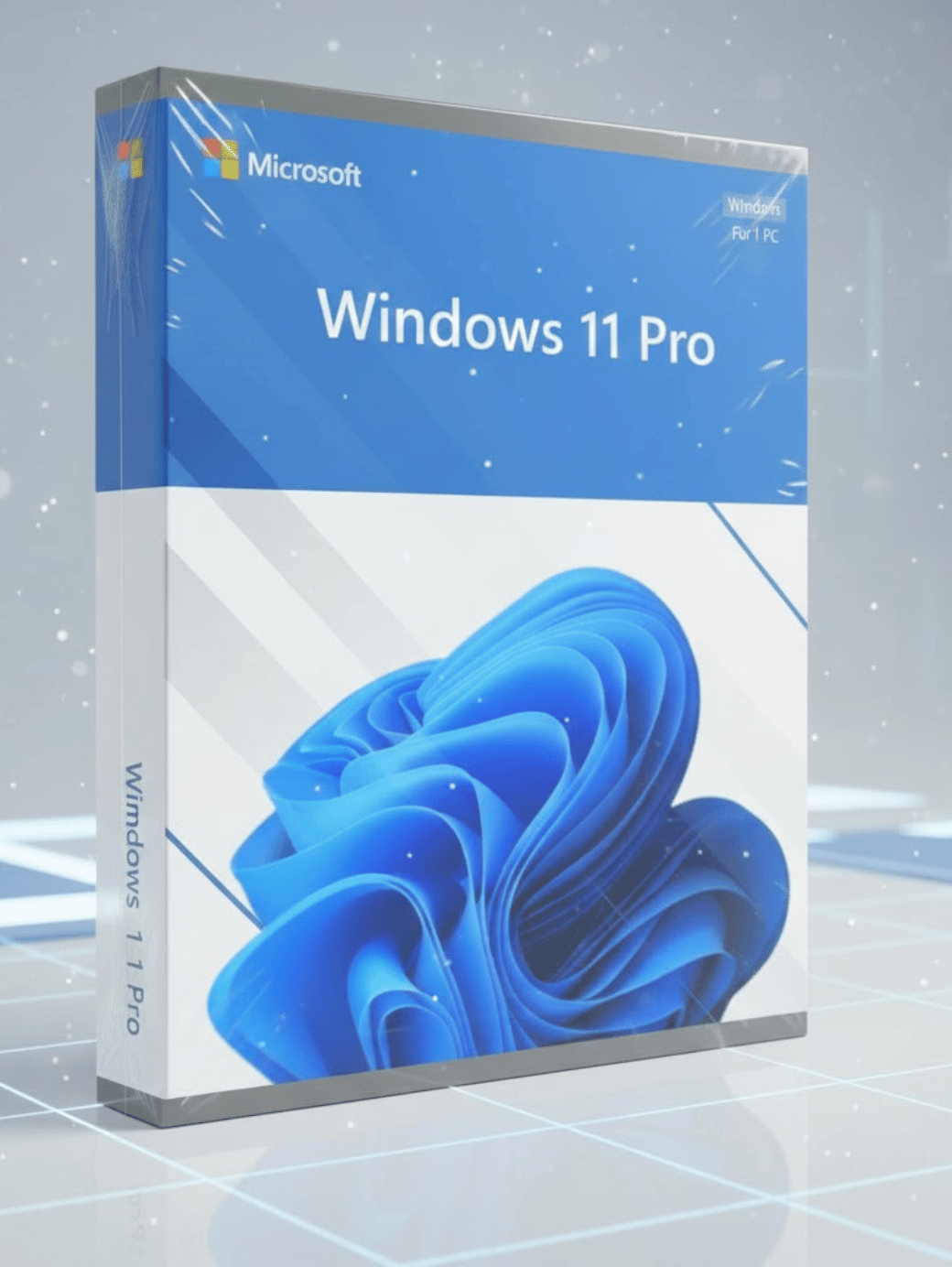
Microsoft Windows 11 Pro is a powerful and modern operating system designed for professionals, business users, and individuals who require strong security, high performance, and advanced management features. Built on the foundation of Windows 10 but redesigned with a fresh user interface, cleaner layout, and enhanced productivity tools, Windows 11 Pro delivers a smooth and efficient computing experience suitable for workstations, office environments, and high-performance setups.
This version of Windows focuses on productivity, security, and multitasking. It includes professional-grade features such as BitLocker encryption, Hyper-V virtualization, advanced networking tools, and improved device management options. Whether you manage a business, work remotely, or simply need strong performance for demanding workloads, Windows 11 Pro offers the reliability and flexibility you need.
Why Choose Windows 11 Pro
Windows 11 Pro provides a more robust experience compared to the Home edition. It includes all core features plus additional tools designed to support business environments, corporate networks, and users who require elevated control over their devices and data.
Main reasons professionals choose Windows 11 Pro include:
These features make the operating system ideal for small businesses, IT professionals, developers, engineers, and organizations managing large networks.
Key Features
Redesigned Start Menu and Interface
Windows 11 Pro introduces a centered Start Menu, streamlined layout, updated icons, and improved visual consistency throughout the system. The interface is designed for clarity, simplicity, and faster navigation.
Snap Layouts and Snap Groups
Multitasking is improved with Snap Layouts, which allow users to organize windows into clean, predefined layouts. Snap Groups let users switch between multiple workflows efficiently.
Enhanced Microsoft Store
The Microsoft Store has been rebuilt with a faster interface, more reliable search, and a broader selection of applications, including some Android app compatibility in selected regions.
Virtual Desktops
Windows 11 Pro supports multiple desktops that can be separated by theme, background, and arrangement. This allows professionals to divide their workflow into work, personal, and project-specific environments.
New Enhancements in Windows 11 Pro
Modern Visual Changes
The visual overhaul includes smooth animations, rounded corners, updated color themes, and improved system typography, making the interface more pleasant and easier to use.
Faster Overall Performance
Windows 11 Pro is engineered to run faster and more efficiently than previous versions. Startup is quicker, apps load faster, and resource management is improved.
Deeper Microsoft 365 Integration
The system integrates seamlessly with Microsoft 365 applications for improved collaboration, online working, and cloud file management.
Teams for Work and Personal Use
Microsoft Teams is integrated directly into the taskbar, enabling fast access to chat, video calls, and remote communication.
Performance and Productivity
Windows 11 Pro enhances productivity by streamlining everyday workflows. Its new task management tools, refined interface, and improved window control make it easier to handle multiple tasks at once. Users benefit from:
-
Optimized background processing
-
Improved battery life for laptops
-
Increased responsiveness
-
Better memory allocation for active apps
The operating system ensures that professional applications, development tools, and enterprise software run reliably without lag.
Security Features
Security is a primary focus of Windows 11 Pro. It includes advanced protections that safeguard user data, devices, and networks from threats.
Key security features include:
BitLocker Encryption
Protects sensitive data by encrypting entire drives, helping prevent unauthorized access in case of device loss or theft.
Windows Defender
Real-time protection against malware, ransomware, and various online threats.
Secure Boot and TPM 2.0
Hardware-based security ensures safe system startup and strengthens protection against firmware attacks.
Windows Hello
Supports biometric authentication such as face recognition, fingerprint scanning, or PIN login.
Group Policy Management
Allows IT departments to manage configurations, permissions, and system behavior across multiple devices.
Business and Professional Tools
Remote Desktop
Allows users to access their PC remotely, making it ideal for remote work and IT management.
Hyper-V Virtualization
Run virtual machines directly on Windows 11 Pro without third-party tools, ideal for testing software or running multiple operating systems.
Assigned Access
Restrict a device to run only one application for kiosk mode or business environments.
Enterprise-Grade Networking
Includes Azure Active Directory support, domain joining, and advanced network management tools.
System Requirements
-
Processor: 1 GHz or faster, 2 or more cores
-
RAM: Minimum 4 GB
-
Storage: 64 GB or more
-
Firmware: UEFI with Secure Boot
-
TPM: Trusted Platform Module 2.0
-
Graphics: DirectX 12 compatible
-
Display: 720p or higher
Ideal Users
Windows 11 Pro is designed for:
-
Business professionals
-
IT administrators
-
Developers and programmers
-
Remote workers
-
Engineers and technical users
-
Small and medium businesses
-
Users needing strong security
-
Power users wanting advanced features
This edition is ideal for anyone who requires elevated control over their operating system.
Internal Links




 Email
Email




Reviews
Clear filtersThere are no reviews yet.